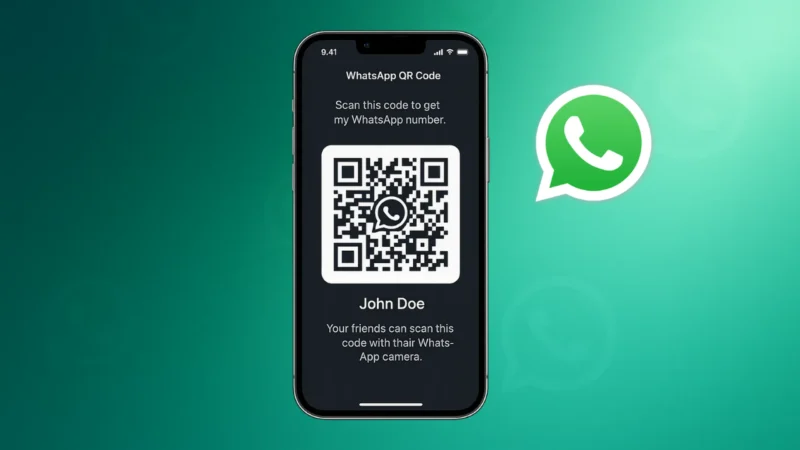
WhatsApp gives every user a personal QR code that makes it easy to add contacts without typing numbers. Whether you want to connect with friends, share your business number or help someone join a group, using a WhatsApp QR code is the fastest method.
This guide explains how to find, share and manage your WhatsApp QR code in a simple and secure way.
Also read: How to Set Up Two-Factor Authentication on WhatsApp
What Is a WhatsApp QR Code
A WhatsApp QR code is a scannable code linked to your phone number.
Instead of saving a contact manually, someone can scan your QR code and immediately open your chat.
It is useful for:
- Business cards
- Social media profiles
- Restaurants and shops
- Events
- Quick sharing with friends
You also get full control and can reset your QR code anytime.
Where to Find Your WhatsApp QR Code
WhatsApp provides two places where you can access your QR code easily.
For Android and iPhone:
- Open WhatsApp
- Go to Settings
- Tap the QR code icon next to your name
You will now see your personal QR code on the screen.
Also read: How to Enable End to End Encryption on Instagram – Simple Privacy Guide
How to Share Your WhatsApp QR Code
Sharing your code is simple and works the same on both Android and iPhone.
Method 1: Share Directly
- Open your QR code screen
- Tap the Share icon
- Choose where to share
- Bluetooth
- Messaging apps
The person receiving the code can scan it immediately using their camera.
Method 2: Save QR Code as an Image
You can also save your code to your gallery.
- Open the QR code
- Tap the Share option
- Select Save to Gallery
Now you can upload it anywhere, such as your website or business page.
How Someone Scans Your WhatsApp QR Code
Scanning is easy and does not require any special app.
Steps to scan:
- Open WhatsApp
- Go to Settings
- Tap the QR code icon
- Switch to the Scan Code tab
- Point the camera at the QR code
A chat will open instantly.
Also read: How to Change WhatsApp Chat Themes – Simple and Clear Guide
How to Reset Your WhatsApp QR Code
If you have shared your code publicly or suspect it has been misused, you can reset it.
How to reset:
- Open your QR code
- Tap the three dots
- Select Reset QR Code
- Confirm
Your old QR code becomes invalid, and a new one is generated instantly.
Tips for Using Your WhatsApp QR Code Safely
To avoid spam or unwanted messages, follow these safety tips:
- Share your QR code only with trusted people
- Reset it if it gets shared without permission
- Avoid posting your QR code publicly unless needed
- Monitor unknown messages that appear after sharing
Your QR code is like your phone number, so handle it with care.
Also read: How to Stop WhatsApp From Saving Photos – Complete Simple Guide
Final Thoughts
Sharing your WhatsApp QR code is one of the fastest ways to let people connect with you. Whether for business or personal use, it saves time and avoids typing errors. With sharing, scanning and resetting features, WhatsApp gives you full control over your contact privacy. Use it wisely and enjoy a smoother way of adding contacts.