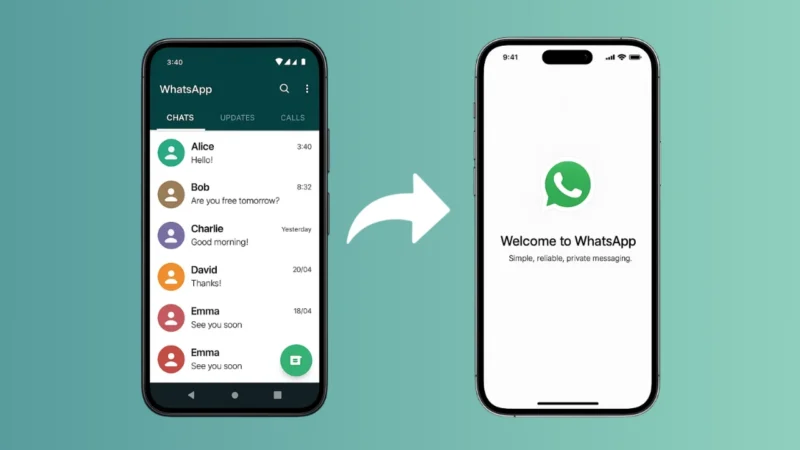
Using one WhatsApp account on two phones used to be impossible, but now WhatsApp officially supports multi-device login. This means you can access the same WhatsApp account on another phone without breaking any rules and without using risky third-party apps. This guide explains the correct and safe way to do it.
Also read: How to Share Your WhatsApp QR Code – Simple and Complete Guide
Can You Use One WhatsApp Account on Two Phones?
Yes, you can. WhatsApp now offers “Companion Mode”, an official feature that lets you link one WhatsApp account to a second phone easily.
You don’t need dual apps, cloning apps, mod apps, or any unofficial tools. Everything works through the built-in WhatsApp feature.
How to Use One WhatsApp Account on Two Phones (Official Method)
Follow these steps carefully:
Step 1: Install WhatsApp on the Second Phone
- Download WhatsApp from the Google Play Store or Apple App Store.
- Open the app.
- On the login screen, tap “Agree and Continue.”
You’ll see the screen asking for your phone number.
Step 2: Switch to “Link to Existing Account”
Instead of entering a phone number:
- Tap three dots (menu) on the top right (Android)
OR - Tap “Link to Existing Account” (iPhone shows directly)
This activates Companion Mode.
You will now see a QR code on the second phone.
Step 3: Scan the QR Code From Your Main Phone
Now pick up your main phone where your WhatsApp account is already logged in.
- Open WhatsApp
- Go to Settings > Linked Devices
- Tap Link a Device
- Scan the QR code displayed on the second phone
Within a few seconds, your chats will sync.
You’re now using the same WhatsApp account on two different phones.
What You Can Do on the Second Phone
Also read: How to Set Up Two-Factor Authentication on WhatsApp
Once linked, the second phone acts like a full WhatsApp device:
- Send and receive messages
- View chat history
- Send media, documents, voice notes
- Use WhatsApp Web features
- Use it even if the main phone is offline (for a limited period)
This is a huge improvement over the old WhatsApp system.
What You Cannot Do
To stay within official WhatsApp rules, keep these limitations in mind:
- You cannot use WhatsApp MOD apps
- You cannot use number cloning apps
- You cannot use third-party linking tools
- You cannot change the phone number independently on the second device
Everything must be done through Linked Devices (Companion Mode) only.
Also read: How to Change WhatsApp Chat Themes – Simple and Clear Guide
Why You Should Avoid Unofficial Methods
Some websites suggest:
- WhatsApp mod apps
- APK cloning tools
- Spoofing applications
These violate WhatsApp’s Terms of Service and can lead to:
- Account bans
- Data leaks
- Privacy risks
Always use the official feature through the App Store or Play Store.
Benefits of Using One Account on Two Phones
- Perfect for people who use two smartphones
- Great for business and travel
- Messages sync automatically
- Secure end-to-end encryption stays active
- No risk of account restrictions
Also read: How to Stop WhatsApp From Saving Photos – Complete Simple Guide
Final Thoughts
Using one WhatsApp account on two phones is now simple, safe, and officially supported. Just link your second phone through WhatsApp’s official Companion Mode and enjoy a seamless multi-device experience. Avoid any unofficial apps or tools to keep your account secure and compliant with WhatsApp policies.