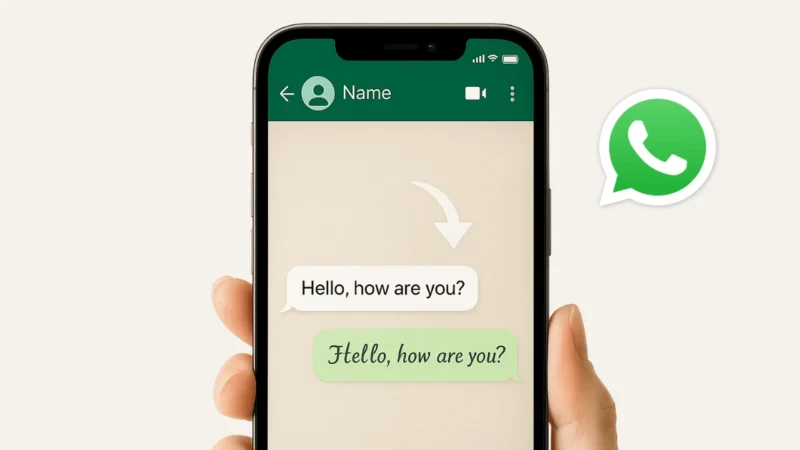
WhatsApp does not provide a direct option to change typing font style from its settings. Still, many users search for ways to send stylish text, bold messages, or different font styles while chatting. The good news is that there are official formatting options inside WhatsApp and safe third-party tools that can help you change how your text looks.
In this guide, you will learn all safe ways to change typing font style on WhatsApp, both with and without apps.
Also read: How to Backup and Restore WhatsApp Chats Properly
Can You Change WhatsApp Font Style Officially?
WhatsApp uses a default system font, and it cannot be permanently replaced inside the app. However, WhatsApp officially supports text formatting styles like bold, italic, and monospace. These are built-in features and completely safe to use.
If you want more stylish fonts, you can use external font generator apps or keyboard apps.
Method 1: Change Font Style on WhatsApp Without Any App
This method uses WhatsApp’s official formatting features. No app download is required.
1. Bold Text on WhatsApp
Add an asterisk (*) before and after your text.
Example:*Hello WhatsApp*
Result: Hello WhatsApp
2. Italic Text on WhatsApp
Add an underscore (_) before and after your text.
Example:_Hello WhatsApp_
Result: Hello WhatsApp
3. Strikethrough Text
Add a tilde (~) before and after the text.
Example:~Hello WhatsApp~
Result: Hello WhatsApp
4. Monospace Font
Add three backticks (```) before and after the text.
Example:Hello WhatsApp
These options work on Android, iPhone, WhatsApp Web, and Desktop.
Also read: How to Use Instagram on PC Without App or Emulator
Method 2: Change WhatsApp Typing Font Using Font Generator Apps
If you want stylish fonts, symbols, or decorative text, WhatsApp itself does not provide this. In such cases, you can use font generator apps or websites.
How Font Apps Work
- You type your message inside the app
- The app converts it into a stylish font
- You copy the text
- Paste it into WhatsApp chat
These apps do not modify WhatsApp. They only generate Unicode text, which WhatsApp supports.
Method 3: Use Stylish Keyboard Apps (Android Only)
Some Android keyboards allow typing in different font styles directly.
Important Points
- These keyboards replace your default keyboard
- You should download only trusted apps
- Check permissions carefully
- Avoid keyboards asking for unnecessary access
This method is optional and should be used carefully.
Also read: Use One WhatsApp Account on Two Phones Officially
Is Changing Font Style on WhatsApp Safe?
Yes, official formatting features are 100% safe.
Font generator apps are generally safe if:
- They only provide text conversion
- They do not ask for WhatsApp login
- They do not access your chats
Never use apps that claim to “modify WhatsApp” or “unlock hidden WhatsApp features.” Those are unsafe.
Things You Should Know Before Using Font Apps
- Font styles work because WhatsApp supports Unicode
- Some fonts may not display correctly on older phones
- Overusing fancy fonts can reduce readability
- Simple formatting looks more professional
Also read: How to Share Your WhatsApp QR Code – Simple and Complete Guide
Final Thoughts
WhatsApp does not allow changing its default font permanently, but you can still make your messages look different. For simple needs, WhatsApp’s built-in bold, italic, and monospace options are enough. If you want stylish fonts, font generator apps provide a safe alternative as long as you use them carefully.
Choose the method that suits your style and keep your chats clean, readable, and secure.