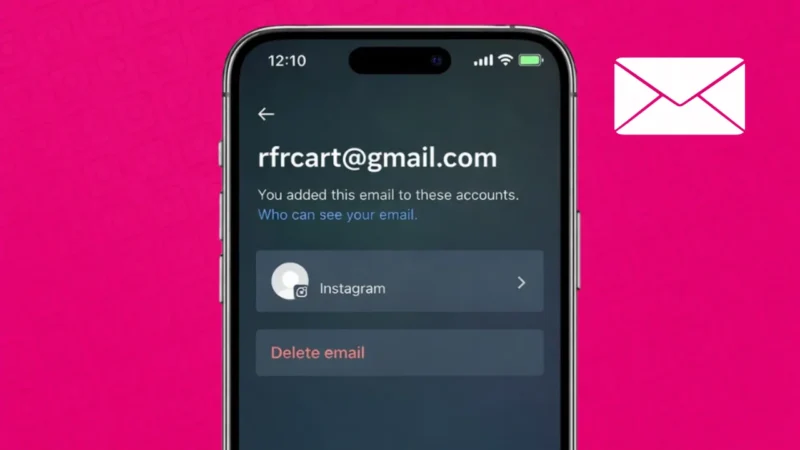
If you have been using Instagram for a long time, it is common to forget which email address you used while signing up. Maybe you created the account years ago, or someone else helped you set it up. The good news is that Instagram allows you to check your registered email easily using official methods.
In this guide, you will learn how to see the email linked to your Instagram account step by step, using both the mobile app and alternative options.
Also read: How to Add Your Pronouns on Instagram Profile
Why Knowing Your Instagram Email Is Important
Your email address on Instagram is more important than many people realize. It is used for:
- Account recovery if you forget your password
- Security alerts and login notifications
- Verifying your identity
- Changing important account settings
If you do not know which email is linked, recovering your account later can become difficult.
How to Check Your Instagram Email From the App
This is the easiest and most common method.
Steps for Android and iPhone
- Open the Instagram app
- Go to your profile
- Tap the menu icon in the top right corner
- Select Settings and privacy
- Tap Accounts Center
- Choose Personal details
- Open Contact info
Here, you will see the email address currently linked to your Instagram account.
Also read: How to Save, Access, or Delete Drafts on Instagram
How to Check Email From Edit Profile Section
Sometimes the email is also visible directly in profile settings.
- Go to your Instagram profile
- Tap Edit profile
- Look for the Email address field
If it is added, you will see the full email or a partially hidden version for privacy.
How to Find Your Instagram Email Using Password Reset
If you cannot access settings, this method helps.
- Open Instagram login screen
- Tap Forgot password
- Enter your username
- Instagram will show a masked email address
Example:
j***@gmail.com
This helps you identify which email you used.
Also read: How to Unsync Contacts From Instagram (Step-by-Step Guide)
What If You No Longer Have Access to That Email
If the email shown is no longer accessible, you should update it immediately.
How to Change Email
- Go to Settings and privacy
- Open Accounts Center
- Tap Personal details
- Select Contact info
- Add a new email address
- Verify it using the code sent by Instagram
Always keep an active email linked to avoid account issues.
Can You Have Multiple Emails on Instagram
No. Instagram allows only one primary email per account. You can change it anytime, but only one email remains active at a time.
Tips to Keep Your Instagram Email Safe
- Use an email you check regularly
- Enable two-factor authentication
- Avoid using shared or work emails
- Update email immediately if you lose access
These small steps can prevent future login problems.
Also read: How to Archive Instagram Posts Without Deleting Them
Final Thoughts
Checking the email linked to your Instagram account is simple and completely official. Whether you use the settings menu or the password reset method, Instagram gives you safe ways to find this information. Make sure your email is active and secure, as it plays a key role in protecting your account.