
WhatsApp is introducing a highly valuable update to WhatsApp users who tend to use WhatsApp on a laptop or computer. The company is currently launching the support of voice and video calling on WhatsApp Web. This implies that you will be in a position to both make and receive calls using your browser without having to open the mobile application or download the desktop version. As well, every call via WhatsApp Web will remain encrypted, and thus your personal communications will be secured.
In this article, we will focus on this feature, which will enable communication to be faster, convenient, and easy for its users who spend the majority of their time working on computers.
Also read: How to Use Claude AI for Writing, Research, and Everyday Tasks
Now, voice and video calls on WhatsApp Web
Through this new update, WhatsApp Web is being made more powerful. Any personal chat can now be opened by way of the browser, and one can just tap the call button in order to make a voice or video call. This used to be restricted to mobile and desktop apps only in the past. At this point, the rollout is occurring at a slow pace, so the users might have to wait to be updated sometime in the future. However, when it is on the market, it will eliminate the necessity to change devices many times. Even a little modification can save time and help everyday communication to go much more easily, particularly when work is in the office or studies.
The calls are entirely secure through end-to-end encryption
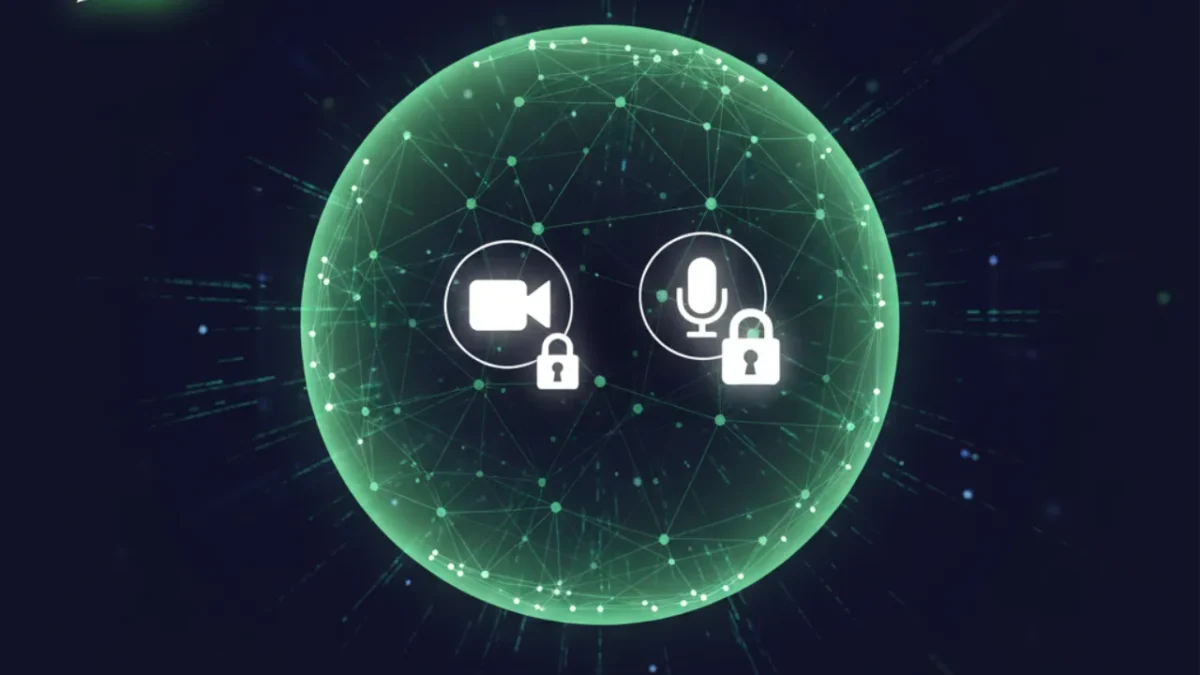
Security is never a minor concern for WhatsApp, and this feature does not go against the rules. End-to-end encryption of all voice and video calls via WhatsApp Web is done throughthe Signal protocol. This implies that it is only the two individuals in the call who can hear or see the conversation. The contents of the calls are not available even to WhatsApp or Meta. Due to this high level of security, one can speak up freely without the fear of privacy invasion. Coupled with this, WhatsApp is a more reliable platform of communication in personal and professional communication because of encrypted calling through the web.
Web calls are more helpful with the screen-sharing support
Screen sharing is another useful feature to be introduced together with WhatsApp Web calling. Users are now able to display their computer screen live when making a video call. This comes in handy when taking online classes, conducting a meeting in the office, presenting a presentation, or assisting someone to resolve an issue on his or her computer. This experience was previously accessible mostly in desktop applications. However, now the same will be offered to browser customers. This update is particularly important to Linux users since an official WhatsApp desktop application does not exist on Linux.
Due to this, the use of WhatsApp Web is gradually transforming into affullyl employed communication tool.
Future specifications: Meta AI tab and others
WhatsApp Web has also been striving to make numerous other changes besides web calling. A dedicated Meta AI tab within the app is one of the major ones. It will be similar to a central hub where AI tools and chat features can be accessible to users. The new tab can have the place of the Communities section;n, however, users can still deal with communities on the Chats tab. This update indicates that WhatsApp is interested in creating AI as a common use within the application.
Users are also likely to receive additional capabilities for interacting with conversations in the future, assisted by AI.
Also read: How to Use Meta AI: A Simple Guide for Beginners
New themes, iiconss and profile shortcut features
WhatsApp Web is strategizing to provide additional user control over the appearance of the app. It is experimenting with approximately 14 new application icons and almost 19 colors. This will enable the users to create the design to suit their own style and comfort. With this, an Android user will soon have a profile shortcut, which can be opened to the settings page in a few seconds. Certain beta users are already able to access settings in the top bar or a new tab called You in the bottom menu.
The users of iOS are also receiving an updated settings page, which has a cover picture and makes the profile look more contemporary.
Privacy, time data, and status bar changes of polls
WhatsApp is also enhancingthe features of group polls. In the near future, the identity of voters can be concealed by poll creators in order not to know who chose this or that choice. It will assist users to vote in more liberal groups. The other future tool is that polls will be permitted to have an expiry date and time. New votes will not be received after expiration. This helps in making the polls more orderly and facilitates planning.
In addition to this, WhatsApp is also experimenting with status updates in the top-app bar, allowing the user to easily view updates by regular contacts without having to visit an individual tab.
Final Thought
On the whole, the inclusion of the new voice and video calling feature on the WhatsApp Web is a massive and convenient addition. It introduces secure communication, screen sharing, and enhanced convenience right into the browser. In addition to this, there is also a slew of design and privacy features and AI-related features. At this point, certain features are under test, and they might come slowly. However, in future updates, WhatsApp Web may be as powerful as the mobile application.
That is why you should keep your WhatsApp updated, as there are numerous new and useful features that will soon be launched.
Also read: How to Use Perplexity AI for Smarter and Faster Online Research