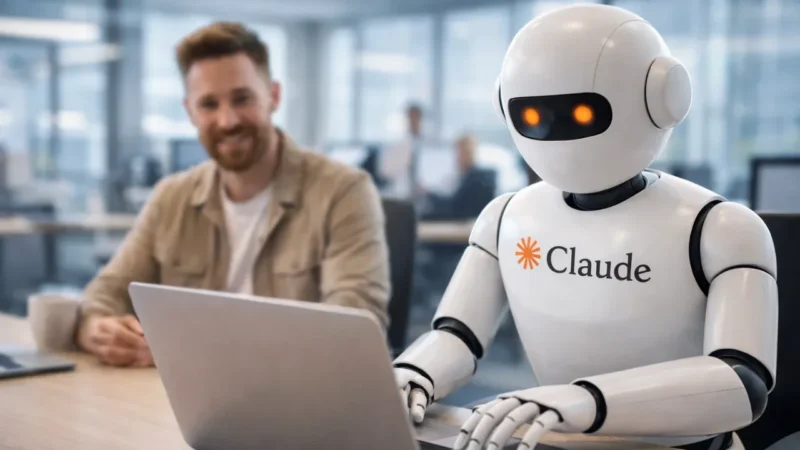
Anthropic has introduced a new capability for its AI assistant Claude that allows it to control a computer and complete tasks on behalf of the user. This feature is part of its broader “Computer Use” functionality and is currently available in a research preview.
With this update, Claude is moving beyond simple chat responses and entering the space of task automation using AI agents.
Also read: Amazon Reportedly Working on New Alexa-Powered Smartphone
What Is Claude’s Computer Use Feature
The Computer Use feature allows Claude to interact directly with a computer interface, just like a human user would.
It can:
- Use a virtual keyboard and mouse
- Read screen content through screenshots
- Open and control applications
- Perform tasks across different software
This means the AI is not limited to text-based responses anymore. It can now take action inside a real desktop environment.
How Claude Completes Tasks
Claude follows a step-by-step process when performing tasks:
- It first tries to use connected apps such as productivity tools
- If needed, it can open and operate traditional desktop applications
- It asks for permission before interacting with certain apps
- It completes the task using simulated clicks and typing
This approach allows Claude to work with both modern integrations and older software systems.
Supported Use Cases
The feature is designed to handle a wide range of everyday tasks, including:
- Opening applications
- Browsing websites
- Managing spreadsheets and documents
- Navigating system interfaces
- Performing repetitive workflows
This makes it useful for both personal and professional productivity.
Works With Connected and Legacy Apps
One of the key strengths of this feature is its flexibility.
Claude can:
- Work with connected apps like calendars and communication tools
- Interact with traditional desktop software when needed
If a task cannot be completed through integrations, Claude can directly operate the application on screen after user approval.
Integration With Remote Control Features
The Computer Use capability works alongside other features that allow users to control Claude remotely.
This means users can:
- Manage tasks from another device
- Let Claude handle complex workflows automatically
- Monitor and guide actions when needed
This combination brings AI closer to functioning as a digital assistant that can actually perform tasks instead of just suggesting them.
Current Limitations
Since this feature is still in the research phase, it has some limitations:
- Task execution may be slower than a human
- Performance may vary depending on complexity
- Some actions may require manual confirmation
However, future updates are expected to improve speed and accuracy.
What This Means for AI Automation
This update highlights a growing trend where AI is moving from passive assistance to active task execution.
Instead of just providing instructions, AI systems like Claude are beginning to:
- Interact with real software
- Automate workflows
- Reduce manual effort
This could significantly change how people use computers in the future.
Also read: Microsoft Halts Automatic Installation of Microsoft 365 Copilot App on Windows
Final Thoughts
Anthropic’s new Computer Use feature for Claude represents a major step forward in AI capabilities. By allowing the AI to control a computer and complete tasks, it brings us closer to fully automated digital assistants.
Although still in early stages, this feature shows strong potential for improving productivity and simplifying complex workflows in the future.