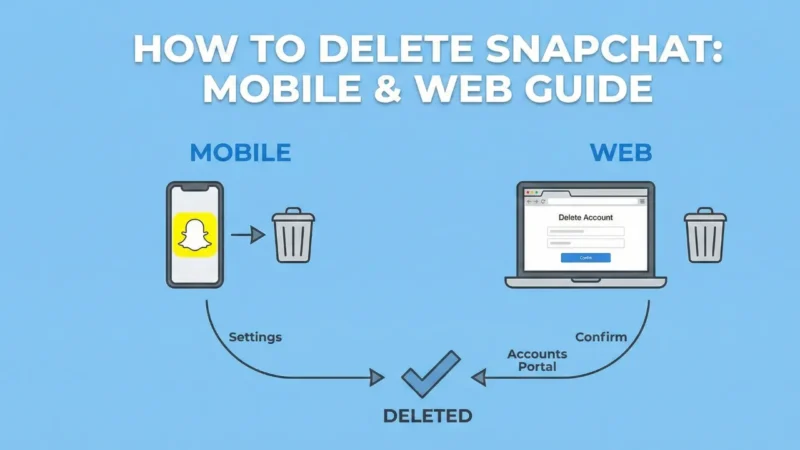
You will soon see how easy it is to delete Snapchat on mobile and web if you don’t want to continue using the app anymore. Many users search for the delete option but don’t find it directly inside the app, which creates confusion. Along with this, Snapchat keeps the account in deactivation mode before final deletion, so knowing the steps becomes important. For now, if you want a break or you’re planning to leave the platform completely, this guide will help you in a very simple way. Below, you will see a clear explanation of how to delete Snapchat on mobile and web without facing any issues.
Also read
WhatsApp is developing a WhatsApp recent history sharing feature For Group Chats
How to Use Instagram on PC Without App or Emulator
Delete Snapchat on Mobile (Android & iPhone)
If you are trying to delete your Snapchat account from your phone, the steps are very simple. First, open Snapchat and tap your profile icon at the top left. After that, tap the settings gear on the right side. Now scroll down slowly until you reach the Account Actions section. Here you will find the Delete Account option. Once you tap on it, Snapchat will take you to a small login page where you need to enter your username and password again. After confirming, your account gets deactivated for 30 days. During this time, you can log in again anytime if you change your mind.
How to Delete Snapchat on Mobile and Web Using a Browser
Alternatively, to delete the Snapchat on the mobile phone and web, you will be able to do so using a browser in case the app is not functioning correctly or in case you want to have a larger screen. You only need to open your phone or laptop browser and visit the Snapchat login page. Tap your account settings by typing in your username and password. Once you have logged in, search for the delete button under the account management section. Snapchat will repeat to use of the password.
On clicking continue, the account is deactivated. In case you do not log in during the 30 days, your account will be permanently deleted by Snapchat. This is yet another easy method of deleting Snapchat on the web and mobile.
What Happens After You Press Delete?
Once you request deletion, your account doesn’t get removed instantly. Instead, Snapchat places it in a 30-day deactivation period. During this time, your friends cannot find you, no one can message you, and your stories stay hidden. This helps users who may want a short break and return later. If you log in during these 30 days, your account becomes active again. But if you do not log in at all, Snapchat completes the final deletion. This process remains the same whether you choose to delete Snapchat on mobile and web through the app or browser.
Should You Download Your Snapchat Data First?
It is always good to look at whether you have great memories stored before you make a decision to delete Snapchat on mobile and web. The download of the data in Snapchat is located in the settings, which are easy to access. You can get all your account information, and Snapchat will forward you the information to your registered email. This comprises snap history, logins, chats, and memories information. Most of the users delete their account and only to regret having lost a very important thing. It is therefore a good idea to save your data first.
Having downloaded your backup, you may safely proceed to delete Snapchat on mobile and web and not fear losing anything.
Final Thoughts
delete Snapchat on mobile and web is very easy in case you know how to do it. The process of both methods are virtually similar, which is the app and the browser. The first is the 30-day disactivation period, and then there is the permanent deletion unless you re-log in. This will allow time to consider before the last deletion. However, when you are confident about your decision, simply do not log in until the 30-day period elapses. Everything will be done automatically on the platform. These few steps will assist you in delete Snapchat on mobile and web in a few seconds and without any difficulties.
Also read
How to Use Instagram Reels While Chatting on WhatsApp
OnePlus 15R Spotted on Geekbench With 12GB RAM and Android 16: Full Details