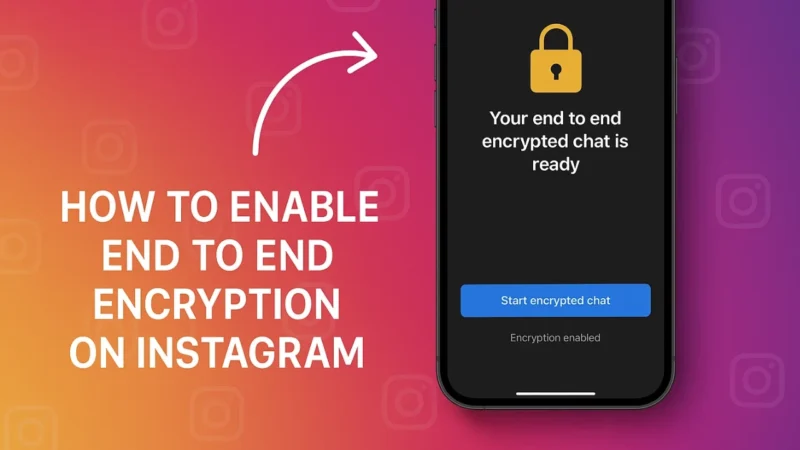
If you chat a lot on Instagram and share personal messages, it makes sense to keep your conversations private. Instagram offers end to end encryption for selected chats, which protects your messages so only you and the other person can read them.
Here is a simple guide to help you understand this feature and turn it on if it is available for your account.
Also read: How to Use Android’s Screen Time Tools to Control Your Phone Addiction
1. What Is End to End Encryption
End to end encryption means your messages are locked in a way that only you and the receiver can unlock them.
No one else can read them, including:
- Hackers
- Wi Fi snoopers
- Instagram itself
- Any third party
It is the strongest form of chat protection and keeps your conversations safe.
2. Is Encrypted Chat Available for Everyone
Instagram has been rolling out encrypted chats gradually.
Some accounts already have it, while others will see it soon.
To check availability, make sure:
- Your Instagram app is updated
- You open an eligible chat
- Both users are using the latest app version
If you do not see the feature, it simply means it is not activated for your region or account yet.
Also read: How to Make Your Android Phone Feel Faster Without Resetting or Deleting Apps
3. How to Enable End to End Encryption on Instagram
If your account has the option, here is how to turn it on.
Steps:
- Open Instagram
- Go to your Direct Messages
- Open the chat you want to secure
- Tap the username at the top
- Look for Start end to end encrypted chat or Start secret chat
- Tap to enable encryption
Once activated, the chat turns into a secure conversation and all messages inside it are protected.
4. What If You Do Not See the Option
If the feature is not showing up yet, here is what you can do:
- Update Instagram to the latest version
- Restart the app
- Try with another contact
- Wait for the feature to roll out in your region
Until then, avoid sharing highly sensitive information in regular Instagram chats.
Also read: How to Use Android’s Auto-Reply Features for WhatsApp and SMS Without Any App
5. Tips to Keep Your Instagram Chats More Secure
Even without encryption, you can stay safe by following good privacy habits:
- Turn off message previews on lock screen
- Do not open unknown message requests
- Enable two factor authentication
- Avoid sharing passwords or personal details in chats
- Log out from shared devices
Good privacy habits plus encryption give you strong protection overall.
Final Thoughts
End to end encryption is an important privacy feature for anyone who wants secure conversations on Instagram. If your account supports it, enable it for important chats and enjoy safer messaging. If the option is not available yet, keep your app updated and follow safe communication practices until it arrives.
Also read: How Much Cache Is Too Much? The Truth About Android’s Hidden Storage Files!