If your phone battery often dies faster than expected, you’re not alone. One of the biggest reasons behind unexplained battery drain is background activity from certain apps. The problem is, users usually don’t know which app is causing it until the battery is already low.
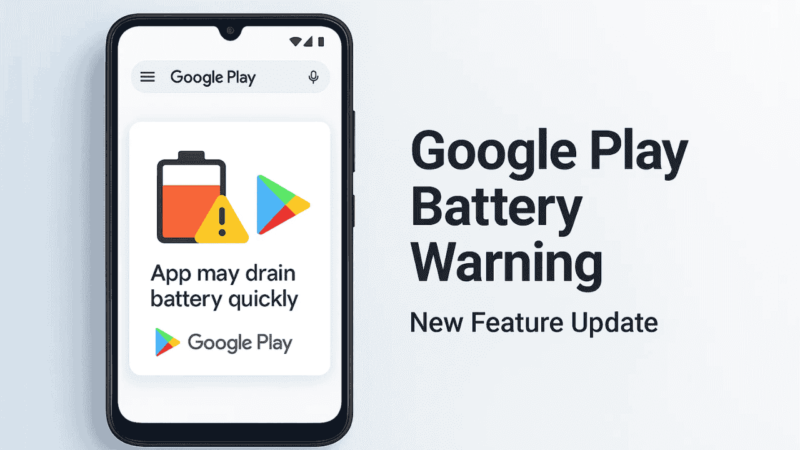
To fix this, Google Play is bringing a major change. Soon, the Play Store will warn you directly if an app is known to drain battery more than normal. This means you’ll know the issue even before installing the app. Google shared all the details in a new announcement on the Android Developers Blog, and the update is a big step toward improving battery performance across all Android devices.
Also read: Best Ways to Use Your Android Phone as a Wireless Mouse & Keyboard for PC
Google Is Taking Battery Drain Seriously
Google’s new update introduces a smarter way to check how apps affect battery life. If any app uses too much power in the background, Google Play may show a warning on its download page. This helps users make better decisions and encourages developers to improve their apps.
This change is part of Google’s plan to push for more stable, efficient, and user-friendly apps. Battery drain is a major concern for Android users, and Google is finally addressing it at the Play Store level.
What Are Wake Locks and Why Do They Matter?
Wake locks are small requests apps make to keep your phone awake even when the screen is off.
Some wake locks are normal, such as:
- Playing music
- Downloading files you requested
- Finishing an important task
But when apps hold wake locks for too long without a good reason, the battery drains faster than expected.
This is exactly what Google’s new metric aims to track.
Google’s New Battery Drain Metric Explained
Google added a new metric inside Android vitals called Excessive Partial Wake Locks.
Here’s how it works:
- If an app keeps your phone awake for more than 2 hours total in a 24-hour period, it’s considered excessive.
- If 5 percent of the app’s user sessions in the last 28 days hit this limit, the app crosses Google’s bad behavior threshold.
The moment an app crosses this level, Google may take action.
Also read: How Much Cache Is Too Much? The Truth About Android’s Hidden Storage Files!
What Happens If an App Crosses the Threshold?
Starting March 1, 2026, Google Play may:
1. Reduce the app’s visibility
Apps that drain too much battery may no longer appear in:
- Recommendations
- Trending lists
- Top apps sections
2. Show a warning on the app listing
A special notice may appear telling users the app could drain the battery faster.
3. Show alerts to developers
Developers will get messages inside Android vitals so they can fix issues.
This pushes developers to optimize their apps and prevents users from installing problematic ones.
How Developers Can Fix Battery Drain Issues
To help developers understand the cause of battery drain, Google upgraded Android vitals with a new Wake Lock Names Table.
Developers will now see:
- Which wake locks are active
- How long each one runs
- Which ones cause excessive drain
- P90 and P99 timings for detailed tracking
This feature was refined with Samsung’s help to make it more accurate and useful.
Why This Update Matters for Android Users
This change is great news for regular users because:
- You’ll get a warning before installing a battery-draining app
- Your phone will last longer on a single charge
- Developers will be forced to improve battery performance
- Android becomes smoother and more reliable overall
More transparency means fewer surprises when your battery hits 10 percent out of nowhere.
Also read: Your Android Battery Might Be Dying Faster Because of This Simple Mistake!
Final Thoughts
Google’s new battery drain warnings are a much-needed improvement for the entire Android ecosystem. Instead of guessing which app is responsible, you’ll soon get a clear warning directly on the Play Store. That means better decisions, better battery life, and better performance.
And since developers now have new tools to identify and fix power issues, apps should get more efficient over time. A simple update, but a major improvement for all Android users.