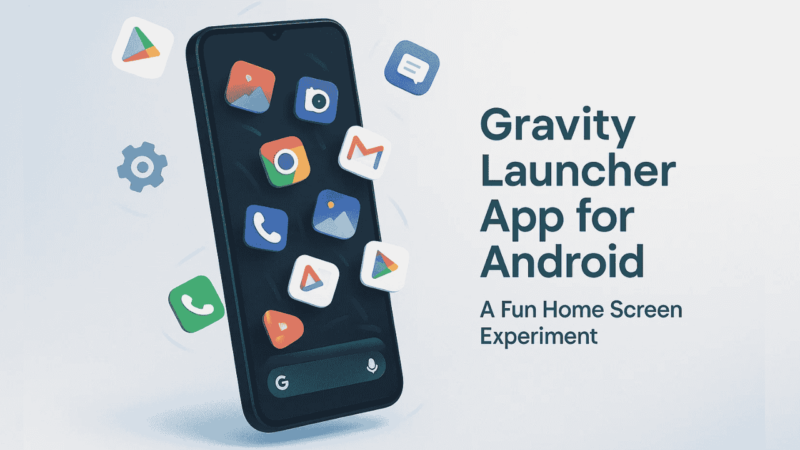
Tired of your same old Android home screen layout? The usual grids and icons can feel boring after a while — right? If you want something totally different and just plain fun to look at, the Gravity Launcher App is worth checking out.
Unlike normal launchers that focus on productivity or speed, Gravity Launcher takes a playful approach. It brings real physics to your phone’s home screen — where your app icons actually move, bounce, and fall like they’re floating in space.
It’s not a utility tool or a customization powerhouse — it’s more like an experiment that blends creativity, fun, and tech.
Let’s explore how it works and why it’s catching the attention of Android users who love trying something new.
Also read: Your Android Battery Might Be Dying Faster Because of This Simple Mistake!
What Is Gravity Launcher App?
The Gravity Launcher App is a unique Android launcher that uses gravity simulation to move your app icons in real-time.
Think of your home screen as a mini playground — every icon behaves like an object affected by gravity.
Tilt your phone slightly, and the icons start to slide in that direction. Shake your device, and they scatter or bounce like marbles on a smooth surface.
It’s unlike anything you’ve seen on Android before.
This launcher is meant purely for fun and visual experimentation — a reminder that your phone’s interface doesn’t have to be static and serious all the time.
Also read: How to Use Edge Glow Screen Lighting App on Android (Complete Guide)
How Does Gravity Launcher Work?
Once installed, Gravity Launcher replaces your default launcher. Instead of fixed rows and columns, it gives you a blank screen where app icons move dynamically based on how you hold your phone.
Here’s how it works in simple steps:
- Install and Set as Default:
After downloading, choose Gravity Launcher as your default home app. - Add Apps to Screen:
Select the apps you want to appear — they’ll float freely on the display. - Physics at Play:
Move or tilt your phone, and watch the icons respond to gravity and motion sensors. - Customize Settings:
You can adjust gravity strength, bounce speed, and sensitivity to motion. - Lock or Reset Positions:
If the screen gets messy, you can rearrange icons or reset the layout.
It’s surprisingly smooth — and even though it’s not for daily use, it’s a great way to surprise your friends or just refresh your Android experience.
Key Features of Gravity Launcher App
Here are the main features that make this launcher stand out:
- 🪐 Gravity Physics Simulation: Icons behave like physical objects that move naturally.
- 🎮 Interactive Control: Tilt or shake your phone to control icon movement.
- 🎨 Customizable Gravity: Choose how strong or weak gravity should be.
- 📱 Minimal Design: Clean interface — focuses on motion rather than clutter.
- ⚙️ Lightweight: Small app size, runs smoothly on most devices.
It’s not loaded with widgets, themes, or smart folders — but that’s the charm. It’s a fresh, playful break from standard Android setups.
Also read: How to Use Transparent Wallpaper App on Android (Step-by-Step Guide)
Who Should Try It?
Gravity Launcher is best suited for:
- Users who love trying experimental or fun apps.
- People who enjoy unique Android customization ideas.
- Anyone bored with the same old look and feel.
If you’re a serious multitasker or want efficiency, this might not be for you — but if you like showing off cool tricks, it’s worth a shot.
Pros and Cons
Let’s be honest — like every app, Gravity Launcher has its good and not-so-good sides.
Pros
- Unique and creative launcher concept
- Lightweight and smooth performance
- Fun way to personalize your phone
- Great for casual or short-term use
Cons
- Lacks advanced customization tools
- Not ideal for productivity or daily heavy use
- Can feel chaotic if too many icons are added
It’s more of a “try it for fun” app than a daily driver launcher.
A Trusted App You Can Try
If you’re curious to experience how Gravity Launcher works, you can safely download it from the Google Play Store or from the link below.
It’s available for most Android versions and has a clean, ad-free interface.
👉 Download Gravity Launcher App from Google Play Store
It’s completely safe, lightweight, and made for Android users who love to explore new customization ideas.
Also read: How to Customize Android Home Screen (Widgets, Icons, and Wallpapers)
Final Thoughts
The Gravity Launcher App is proof that Android still allows creativity to thrive. It’s not about productivity — it’s about having fun with your phone again.
Watching your apps move around like they’re affected by real gravity is oddly satisfying and relaxing.
If you love experimenting with your Android home screen, this launcher is worth a try. It’s simple, safe, and adds a playful twist to how you use your device every day.