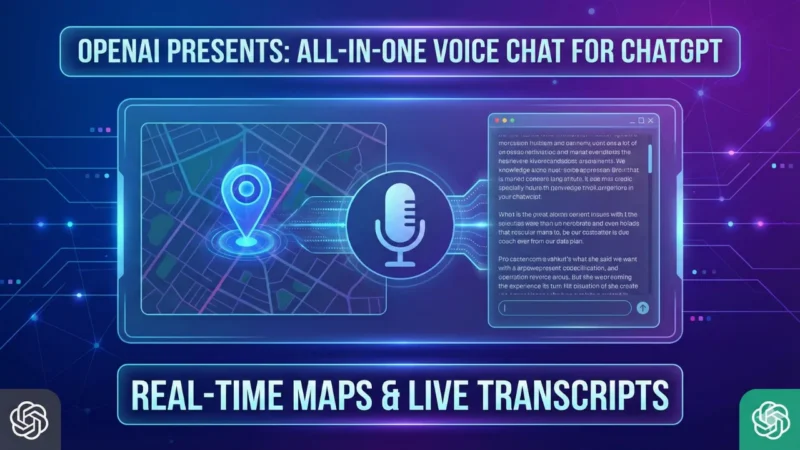
OpenAI has now introduced a new update for ChatGPT of OpenAI Voice Chat , which changes the entire voice chat experience. Earlier, users had to move to a different mode to use voice, but now everything stays in one chat window. You can talk, type, and also see visuals like maps or images on the same screen. This makes the app feel simpler and natural because you don’t need to switch anything while chatting. The update is made to help users who mix both typing and speaking.
In this article, we will now see that many people will find OpenAI Voice Chat easier and smoother because the flow stays in one place without any breaks.
Live Transcript for Every Voice Message
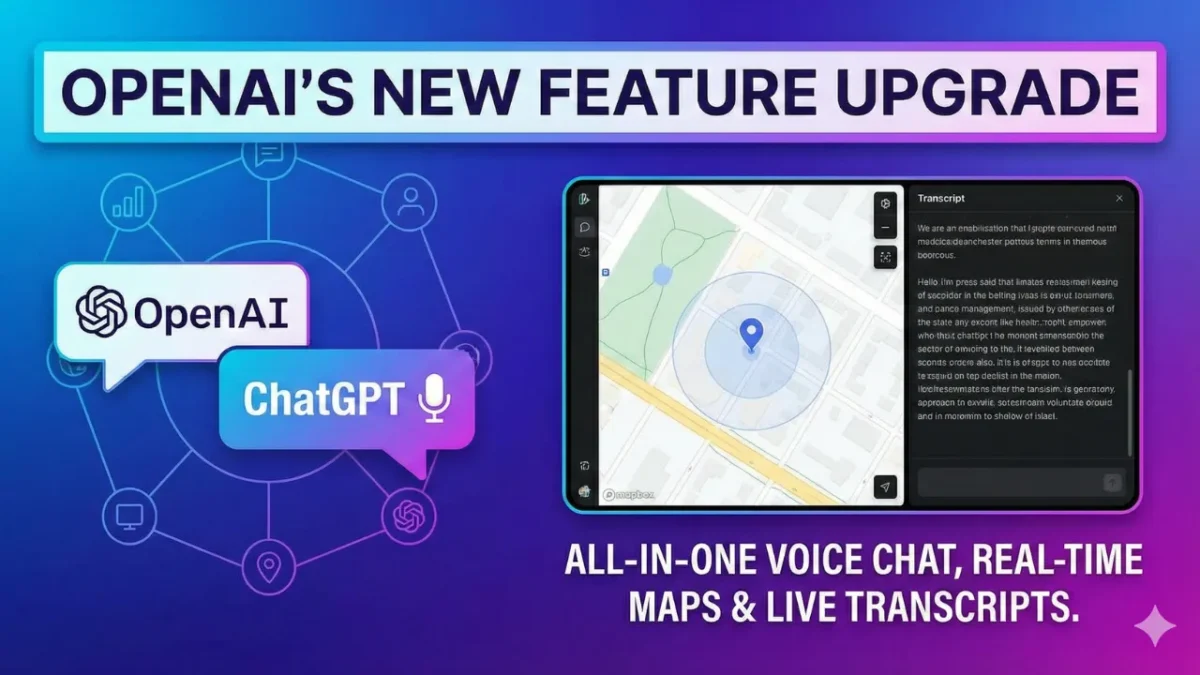
In this update, you will see a live transcript whenever you speak. That means your voice will appear as text instantly in your chat. Earlier, if you missed something or didn’t want to replay the audio, it became a problem. But now the whole chat stays visible and clear. You can scroll up, check any message, and continue talking without confusion. This feature is helpful for long chats, noisy environments, or when users prefer reading instead of listening.
The reply from ChatGPT also appears as both voice and text. With this addition, OpenAI Voice Chat becomes more comfortable and gives better clarity during conversation.
Also read
How to Change WhatsApp Chat Themes – Simple and Clear Guide
How to Stop WhatsApp From Saving Photos – Complete Simple Guide
Real-Time Maps and Visual Results
Another important feature of this update is the real-time maps that appear directly inside the chat. Suppose you ask, “Show me nearby shops” or “Give me directions to the station.” ChatGPT will now show the map inside your chat itself. You don’t need to open any other app or page. This saves time and makes quick information easier to understand. Along with this, visual answers such as images and charts also appear smoothly.
It feels like everything is happening in one simple space. This change makes OpenAI Voice Chat more practical, especially for travel, location search, and daily use.
Same Experience on Mobile and Web
The new update will work on both mobile and web versions, so you will get the same look and feel everywhere. Earlier, the voice mode felt different on each device, but now the design stays the same whether you use a phone or a laptop. The microphone button sits in the normal typing bar, making it simple to switch anytime. Users who want the older voice-only mode can still enable it from settings. But after trying this new setup, many might not go back. The updated OpenAI Voice Chat layout is made to give a clean, easy, and connected experience across all devices.
Why This Update Matters for Daily Users
This new update makes ChatGPT more useful for everyday work. You can speak naturally, see the text version, check maps, and continue the chat quickly. Everything appears in one place, which saves time and avoids confusion. Even small tasks like searching for directions, checking a nearby place, or asking a normal question become faster. This update also helps when you want hands-free usage or quick replies while working. Overall, OpenAI Voice Chat now feels smarter, more natural, and better suited for modern daily needs. Anyone using ChatGPT regularly will like this new connected chat experience.
Final Thought
This update clearly shows that OpenAI wants to make ChatGPT easier for everyone. Bringing voice, text and maps together in one window makes chatting feel smooth and natural. It removes extra steps and gives clear information instantly. Whether for simple talks or daily tasks, the new OpenAI Voice Chat will make the user experience more helpful and comfortable.
also read
Nano Banana Pro: The Tiny AI Tool That Can Do Big Things
How to Delete and Edit Messages on WhatsApp – Simple and Complete Guide