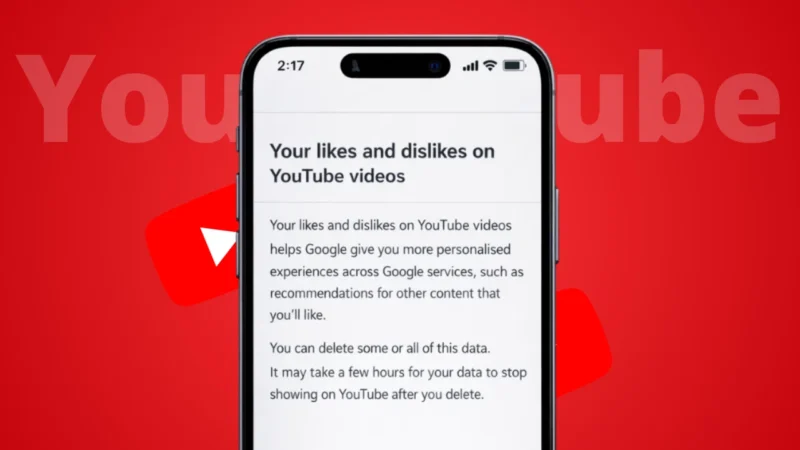
We often like videos on YouTube and later want to watch them again. But when the feed keeps changing, finding those liked videos can feel confusing. The good news is that YouTube saves all your liked videos in one place, and you can access them easily on both PC and mobile.
In this guide, I’ll show you three simple ways to see your liked YouTube videos, whether you’re using a computer or a smartphone.
Also read: How to Improve Phone Performance Without Any App
Way 1: Check Liked Videos from the YouTube Library
This is the most common and official method provided by YouTube.
On Mobile (Android and iPhone)
- Open the YouTube app
- Tap on Library at the bottom
- Select Liked videos
You’ll now see a list of all the videos you’ve liked using your account.
On PC (Browser)
- Open youtube.com in your browser
- Make sure you’re logged in
- Click Library from the left sidebar
- Open Liked videos
This list updates automatically whenever you like a new video.
Way 2: Use Your YouTube Account History
If you liked a video recently but don’t remember the title, your account activity can help.
Steps
- Open YouTube
- Go to History
- Switch to Watch history
Liked videos usually appear here along with other watched content. This method is useful when you remember the time but not the video name.
Also read: How to Archive Instagram Posts Without Deleting Them
Way 3: Search Inside Your Liked Videos Playlist
Many users don’t know this, but you can search within your liked videos playlist.
How It Helps
- Useful if you have hundreds of liked videos
- Saves time when you remember a keyword
Steps (PC Works Best)
- Open Liked videos from Library
- Use the browser’s search option
- Type a keyword related to the video
This works well if the video title or channel name is still available.
Important Things to Know
- Liked videos are private by default
- You can change privacy settings if needed
- Removed or deleted videos may not appear
- Unliking a video removes it from the list
Also read: How to Tag Someone on Instagram Story After Posting
Final Thoughts
Your liked YouTube videos are never lost as long as you’re logged into the same account. Whether you’re using a PC or a mobile phone, YouTube gives you multiple ways to access them easily.
If you like saving videos for later, checking your liked videos list regularly can help you rediscover great content without searching again.