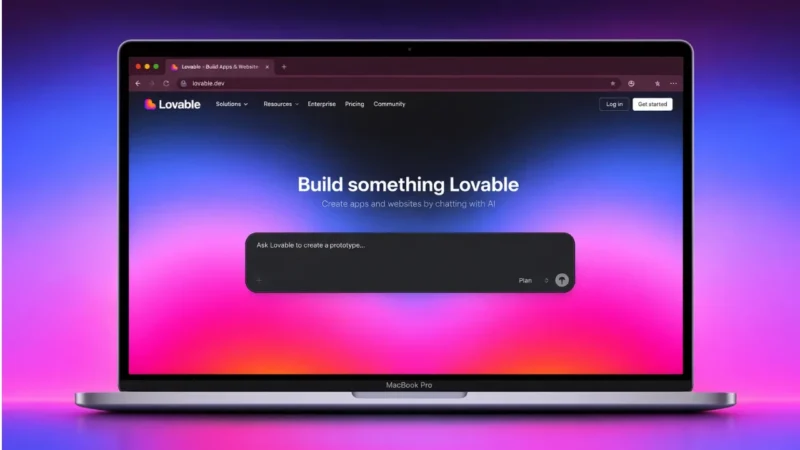
Artificial intelligence is changing the way people build software. One of the new tools getting attention is Lovable. If you are curious about what Lovable is and how to use it, this guide explains everything in simple words.
Also read: What Is n8n and How to Use It for Workflow Automation (Beginner Guide)
What Is Lovable
Lovable is an AI powered tool that helps users build web applications by simply describing what they want. Instead of writing complex code from scratch, you can give instructions in plain language and the platform generates the app structure for you.
It is designed for:
- Beginners who do not know coding
- Startup founders who want to prototype fast
- Developers who want to save time
- Designers who want to test ideas quickly
Lovable focuses on speed and simplicity. You describe your idea, and the AI turns it into a working interface.
Key Features of Lovable
Here are some important features that make Lovable useful:
1. Prompt Based App Creation
You can describe your app idea in normal language. For example, you can type something like:
Create a task management app with login and dashboard.
The tool then generates the layout and structure.
2. Clean UI Generation
Lovable creates modern and clean interfaces that look professional without much manual editing.
3. Fast Prototyping
It helps you build MVPs quickly, which is useful for startups and product testing.
4. Editable Output
After generating the app, you can edit and customize elements as needed.
5. Web Based Platform
You can access it from your browser without installing heavy software.
How to Use Lovable
If you are a beginner, follow these steps.
Step 1: Sign Up
Visit the official Lovable website and create an account.
Step 2: Start a New Project
Click on create project or new app option.
Step 3: Describe Your App
Write a clear description of what you want. Be specific about:
- App purpose
- Pages required
- Features like login or dashboard
- Design preferences
The clearer your prompt, the better the output.
Step 4: Generate the App
Submit your description and let the AI generate the app layout.
Step 5: Edit and Customize
You can modify text, layout, colors, and components according to your needs.
Step 6: Test and Deploy
Once satisfied, test your app and deploy it according to the available export or hosting options.
Also read: How to Use Grammarly to Improve Your Writing (Beginner Friendly Guide)
Who Should Use Lovable
Lovable is ideal for:
- Non technical founders
- Students learning app development
- Small businesses building internal tools
- Designers testing product ideas
- Developers building quick prototypes
If you want to launch ideas faster without spending weeks coding, this type of AI tool can help.
Benefits of Using Lovable
- Saves development time
- Reduces coding complexity
- Makes app building accessible
- Helps validate startup ideas quickly
- Encourages experimentation
Limitations to Consider
No tool is perfect. Keep these points in mind:
- Complex apps may still need manual coding
- Custom integrations might require developer support
- AI generated structure may need fine tuning
It works best for prototypes and simple web applications.
Is Lovable Safe to Use
Lovable is a legitimate AI development platform. However, always:
- Read privacy policies
- Avoid uploading sensitive personal data
- Test generated apps before public release
Like any online tool, responsible usage is important.
Also read: How to Use Grok AI: A Simple Guide for Beginners
Final Thoughts
Lovable makes app creation easier by using artificial intelligence to turn ideas into working web apps. It is especially helpful for beginners and startups who want to move fast without deep technical knowledge.
If you want to experiment with building apps using simple prompts, Lovable can be a powerful starting point.