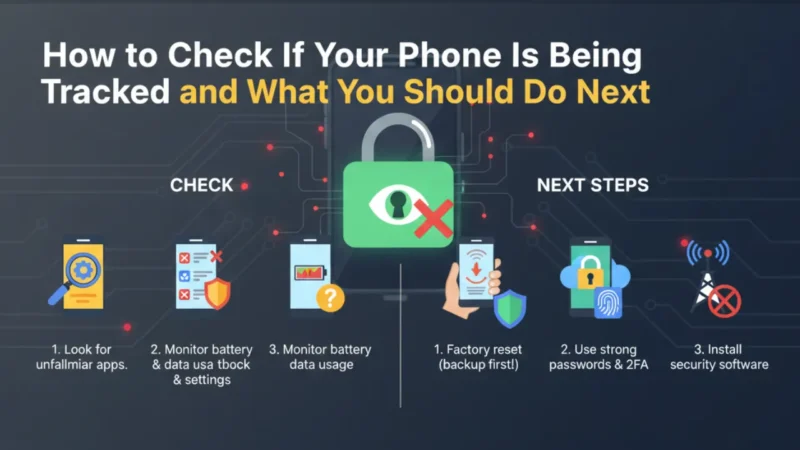
Today, our phones are always with us. It has our photos, chats, bank apps, and location. Because of this, many people worry that their phone being tracked without them knowing. Sometimes the signs are very small, so we ignore them. But slowly, these signs become clear. For now, you don’t need to panic. You just need to observe your phone properly. Along with this, you don’t need any special app or technical skill. Simple checks are enough.
In this article, you will learn how to notice phone being tracked signs and what steps you should take. Everything is explained in easy words so anyone can understand it without confusion.
Also read: How to Edit Videos in WhatsApp on iPhone and Android
Battery Draining Faster Than Normal
If your phone battery is draining very fast, it can be a warning sign. Normally, the battery drains because of videos, games, or mobile data. But if your usage is low and still the battery drops quickly, something may be wrong. When a phone being tracked, hidden apps keep running in the background. They use location and the internet all the time. Along with this, battery percentage may fall suddenly without reason. For now, open battery settings and check which apps are using the most power. If you see an unknown app there, it is better to remove it. Battery drain alone is not proof, but it is an important signal.
Phone Heating Without Any Heavy Use
Phone heating while charging is normal. But heating without any use is not normal. If your phone feels warm while lying idle, you should be careful. Tracking apps keep the processor active all the time. Because of this, the phone heats up even when the screen is off. Along with this, heating may also happen during nighttime. For now, check if the phone heats up even when mobile data is off. If yes, then background activity is happening.
Many users notice heating when their phone being tracked secretly. This is why phone temperature is an important thing to notice. Ignoring it can cause more issues later.
Strange Ads, Pop-Ups, or Notifications
If you suddenly see strange ads or pop-ups, it is not a good sign. Some tracking apps come with spyware or adware. These apps show ads to stay active. Along with this, you may get notifications with no clear source. Sometimes the screen lights up by itself. For now, go to notification settings and see which apps are allowed. If any unknown app is sending notifications, disable it immediately. When a phone being tracked, these small things start happening slowly. Many people ignore them, thinking it is normal. But it is better to check once instead of facing problems later.
Unknown Apps Installed on Your Phone
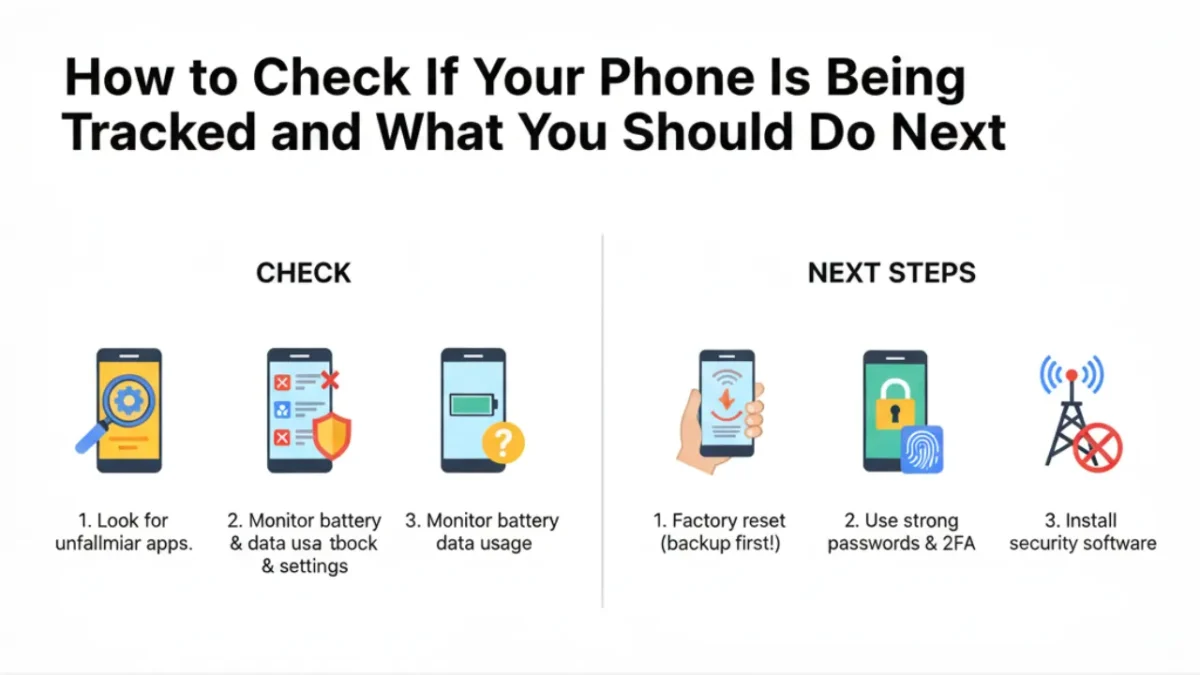
Many tracking apps hide inside the phone quietly. They don’t show on the home screen. Some apps use confusing names so users don’t notice them. For now, go to Settings and open the full app list. Scroll slowly and read every app name. If you see something you never installed, that is a big warning. Also, check app permissions. If a simple app has access to location, mic, camera, and storage, it is risky. In many cases, a phone being tracked because of such hidden apps. Uninstall them as soon as possible. If the uninstall option is blocked, a factory reset is the best option.
Also read: 3 Ways to See Liked YouTube Videos on PC and Mobile
Mobile Data Usage Increasing Suddenly
Tracking apps need internet to send data. Because of this, mobile data usage increases without reason. You may notice your daily data finishing faster than usual. Along with this, data may be used even when you are not browsing. For now, go to data usage settings and check background data usage. Focus on apps that use data all the time. Normal apps use data only when opened. But when a phone being tracked, data keeps flowing silently.
This is one of the easiest ways to spot suspicious activity. If an unknown app is using too much data, remove it immediately.
Location Turning On Again and Again
If your phone’s location keeps turning on by itself, you should be alert. Tracking apps depend on location access. Along with this, you may see the GPS icon often. For now, open location settings and check which apps accessed location recently. If an app accessed your location when you didn’t open it, that is suspicious. Also, check location history. Many users don’t realize their phone being tracked until they see strange location activity. Turn off location access for apps that don’t need it. Keep the location off when not required. This simple step can stop many tracking attempts easily.
What to Do If You Suspect Tracking
If you feel something is wrong, don’t ignore it. First, remove unknown apps and reset app permissions. Along with this, update your phone software. Security updates fix many hidden issues. If the problem continues, back up important data and do a factory reset. This removes almost all tracking apps.
Avoid clicking unknown links and installing apps from outside the Play Store. When a phone being tracked, quick action is very important. Always lock your phone with a strong password. Your phone is personal, and protecting it should always be a priority.
Final Thought
Your mobile is such an intimate item. It understands where you are going, who you are conversing with, and what you are searching for. This is the reason why it is such an issue for phone being tracked to keep it safe. The majority of the tracking issues do not occur immediately. They give small signs first. Slow speed, heating, battery drain, and weird apps are not the norm and must not be overlooked. Now, it is better to monitor your phone after some intervals. It is important to be aware than to be apprehensive.
Also read: WhatsApp Clear Storage Tool: New Way to Clean Chats Without Losing Important Messages