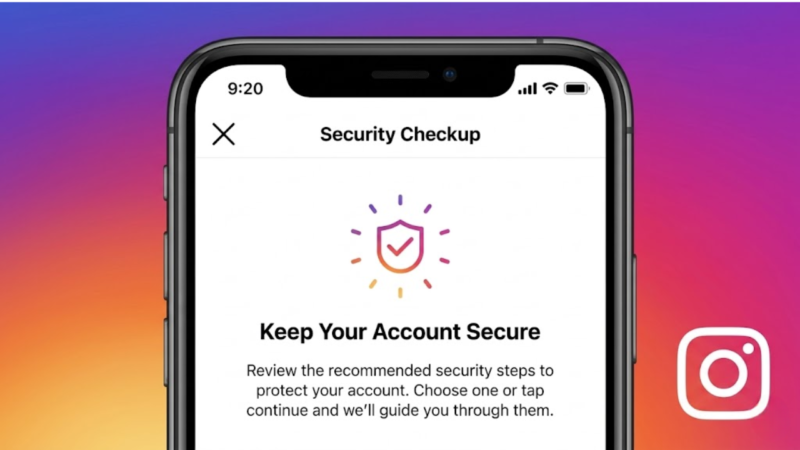
Instagram has become one of the most popular social media platforms in the world, connecting millions of people through photos, videos, Stories, and direct messages. While the platform offers countless ways to share moments and interact with others, it also stores a significant amount of personal information.
From private conversations and personal photos to contact details and location data, Instagram accounts can contain sensitive information that users may not want falling into the wrong hands. That’s why protecting your privacy on Instagram is more important than ever.
In this guide, we’ll explore practical steps you can take to improve your account security, protect your personal information, and reduce the risk of unauthorized access.
Also read: How to Secure Your WhatsApp Account and Protect Your Privacy
Why Instagram Privacy Matters
Many users focus on growing followers and sharing content but overlook privacy settings. Unfortunately, cybercriminals, scammers, and fake accounts often target social media users through phishing attacks, account takeovers, and identity theft attempts.
Protecting your Instagram account helps safeguard:
- Personal photos and videos
- Private messages
- Email addresses
- Phone numbers
- Financial information linked to ads or business accounts
- Personal reputation
A few simple security changes can significantly reduce the chances of your account being compromised.
Enable Two-Factor Authentication
One of the most important security features available on Instagram is Two-Factor Authentication (2FA).
When enabled, Instagram requires an additional verification code during login, even if someone knows your password.
To enable it:
- Open Instagram Settings.
- Tap Accounts Center.
- Select Password and Security.
- Choose Two-Factor Authentication.
- Follow the setup instructions.
Using an authentication app is generally more secure than relying solely on SMS verification.
Use a Strong and Unique Password
Weak passwords remain one of the most common reasons accounts get hacked.
Avoid passwords that include:
- Birth dates
- Names
- Simple number sequences
- Common words
Instead, create a password that combines:
- Uppercase letters
- Lowercase letters
- Numbers
- Special characters
Most importantly, avoid using the same password on multiple websites.
Review Login Activity Regularly
Instagram allows users to see which devices are currently logged into their account.
To check:
- Open Settings.
- Go to Password and Security.
- Select Where You’re Logged In.
If you notice an unfamiliar device or location, log it out immediately and change your password.
Make Your Account Private
If you don’t need a public profile, consider switching your account to private.
A private account ensures that:
- Only approved followers can view your content
- Strangers cannot see your posts
- New followers require approval
This is especially useful for personal accounts and younger users.
Be Careful With Third-Party Apps
Many users connect external apps to Instagram for:
- Analytics
- Follower tracking
- Automation tools
- Content scheduling
However, some third-party applications request excessive permissions and can create security risks.
Only use trusted services and regularly review connected apps through your Instagram settings.
Limit Personal Information in Your Profile
Avoid sharing unnecessary personal information publicly, such as:
- Phone numbers
- Home addresses
- Financial details
- Sensitive personal information
The less information available publicly, the harder it becomes for scammers to target you.
Watch Out for Phishing Messages
Scammers frequently send fake messages pretending to be Instagram support.
Common warning signs include:
- Urgent requests for login information
- Fake copyright violation notices
- Verification scams
- Suspicious links
Instagram will never ask for your password through direct messages.
If you receive a suspicious message, do not click any links.
Control Story and Post Visibility
Instagram provides several privacy controls for Stories and content sharing.
You can:
- Hide Stories from specific users
- Restrict who can reply to Stories
- Limit comment access
- Block unwanted accounts
- Restrict interactions without fully blocking someone
These settings help you control who can engage with your content.
Review Tagged Photos and Mentions
By default, other users may tag you in posts, photos, or comments.
To maintain privacy:
- Enable manual tag approval
- Review mentions regularly
- Remove unwanted tags
This prevents your profile from appearing in content you did not approve.
Secure Your Email Account Too
Many Instagram hacks begin with compromised email accounts.
Protect your email by:
- Using a strong password
- Enabling two-factor authentication
- Reviewing recovery information
If someone gains access to your email account, they may be able to reset your Instagram password.
What to Do If Your Instagram Account Gets Hacked
If you suspect unauthorized access:
- Change your password immediately.
- Log out of all active sessions.
- Enable two-factor authentication.
- Remove suspicious connected apps.
- Contact Instagram support through official recovery tools.
Acting quickly can often prevent further damage.
Common Privacy Mistakes to Avoid
Many users unknowingly increase their security risk by:
- Sharing passwords with others
- Using the same password everywhere
- Clicking suspicious links
- Accepting unknown followers
- Installing untrusted follower apps
Avoiding these mistakes can significantly improve account security.
Also read: Instagram Account Suspended or Banned? Here’s How to Recover It Safely Using Official Methods
Final Thoughts
Instagram offers powerful privacy and security tools, but users must take the initiative to use them properly. Strong passwords, two-factor authentication, careful account management, and awareness of scams remain the most effective ways to protect your account.
As cyber threats continue to evolve, maintaining good security habits is no longer optional. Spending a few minutes reviewing your privacy settings today can help prevent account compromises, data leaks, and unauthorized access in the future.